- -€65.92
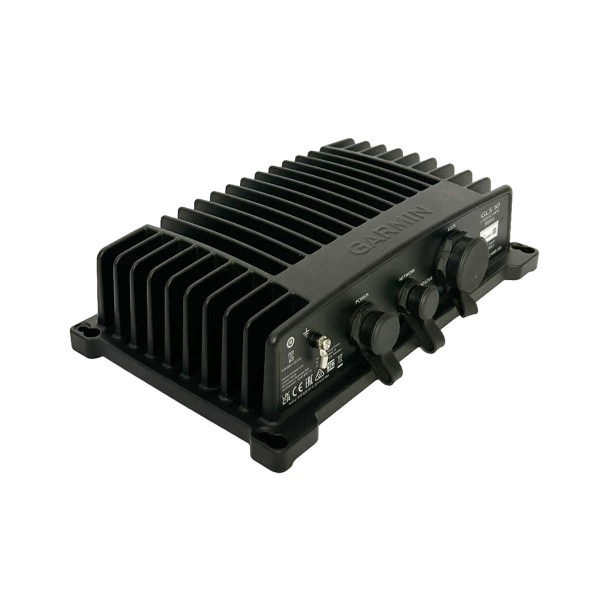
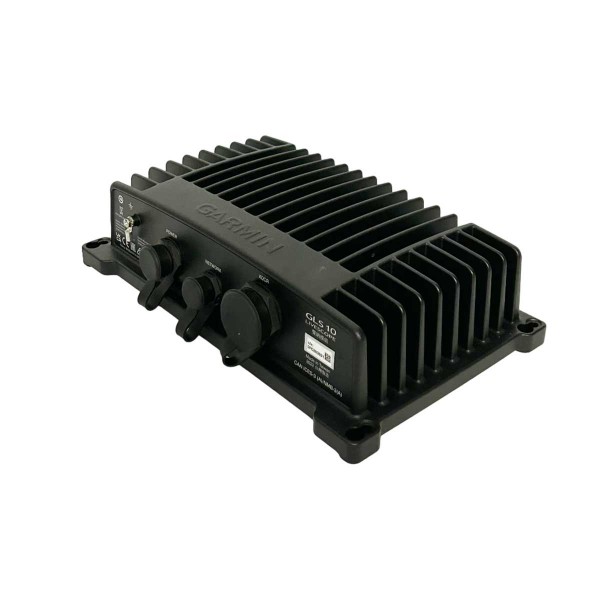
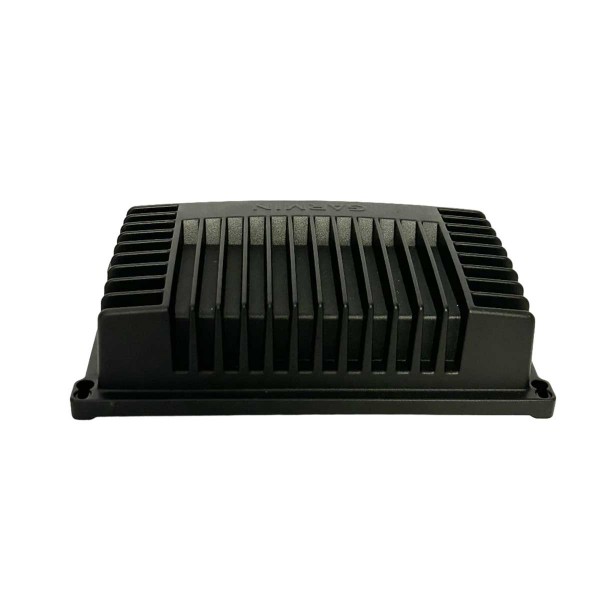
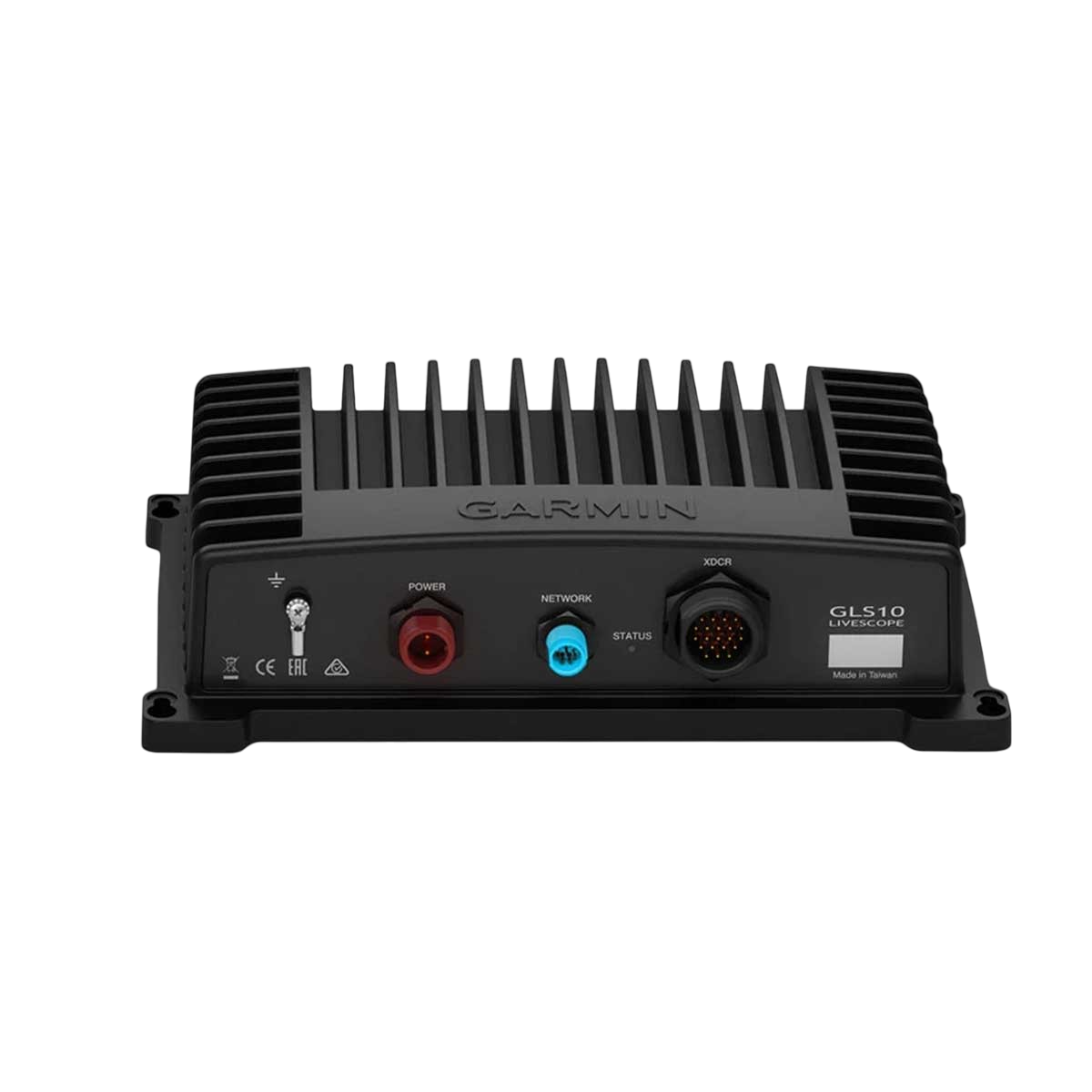
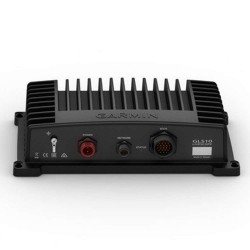
GLS 10 fishfinder module for panoptix probe
Ref.
010-12954-00
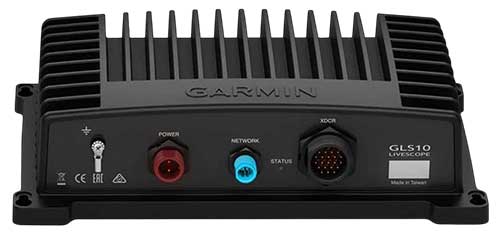
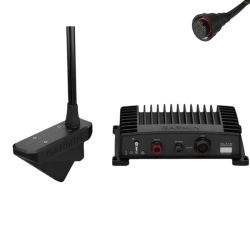
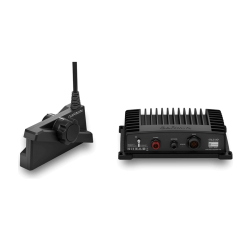
Essential for using your Panoptix Livescope LVS32 or Livescope Plus LVS34 sounder, the GLS 10 sounder module connects to your network. It allows you to view scanning sounder images in real time.
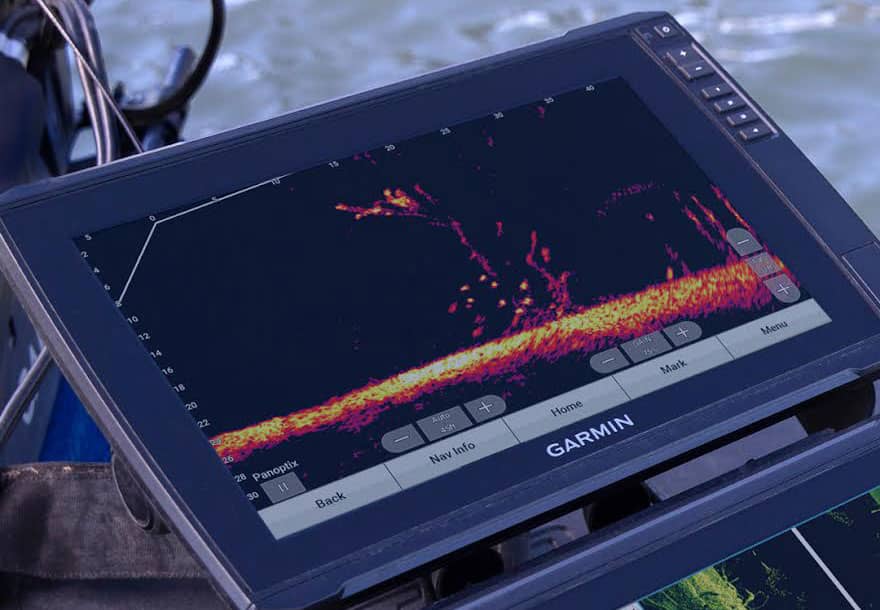
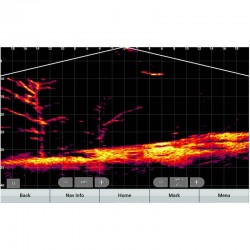
Observe structures, lures and fish swimming under and around your boat. You can also easily share fishfinder images between several fishfinders on your network.
010-12954-00
Data sheet
- Product type
- Sounder module
GARMIN - GLS 10 sounder module for transducers panoptix
The GLS 10 sounder module for Panoptix sounder transmits ultra-detailed sonar data in real time to compatible chartplotters, giving you a precise view of fish, structures and the seabed around your boat.
Connected via the Garmin Marine Network, it ensures exceptional responsiveness and image quality, even on the move.
 |
TECHNICAL SPECIFICATIONS
|
WHAT IS-DESIGNED FOR?The Garmin GLS 10 sonar module is designed for demanding fishing enthusiasts, whether in freshwater or shallow waters. It provides :
It's ideal for sight fishing, vertical fishing, or any technique requiring ultra-reactive bottom reading. Find the probe installation guide in the attached documentation. |
 |
KEY FEATURES
|
BOX CONTENTS :
|
Accessories

Customer Reviews (0)
No customer reviews for the moment.
Sign in to leave a review
Questions / Answers (4)
Hello, is this module-required to use the LVS34?
Patrice, the 05/06/2025
Hello Patrice, yes, the GLS10 module is required to use your Panoptix Livescope LVS34 / LVS32 / LVS62 sensor.
Comptoir Nautique Team
Can-the GLS 10 be used on several screens at the same time?
Fabienne, the 05/06/2025
Hi Fabienne, yes, the GLS 10 can be connected to several compatible Garmin chartplotters via the Garmin Marine Network (wired network cable). This allows LiveScope data to be displayed on several screens simultaneously, on board the same boat.
Comptoir Nautique Team
Can-I use my GLS 10 module without Wi-Fi?
Marc, the 05/06/2025
Hi Marc, the GLS 10 module does not require Wi-Fi to operate. Data transmission is exclusively via a wired network cable (Garmin Marine Network) between the module and the plotter.
Comptoir Nautique Team
Is the GLS 10 update-automatic?
Hugo, the 05/06/2025
Hello Hugo, the module update is not totally automatic. If the tracker is connected to the ActiveCaptain application via Wi-Fi, it may detect an update and prompt you to install it.
Otherwise, you can manually download the update to a microSD card, then transfer it to the tracker and GLS 10 module.
Comptoir Nautique Team