- -€115.08
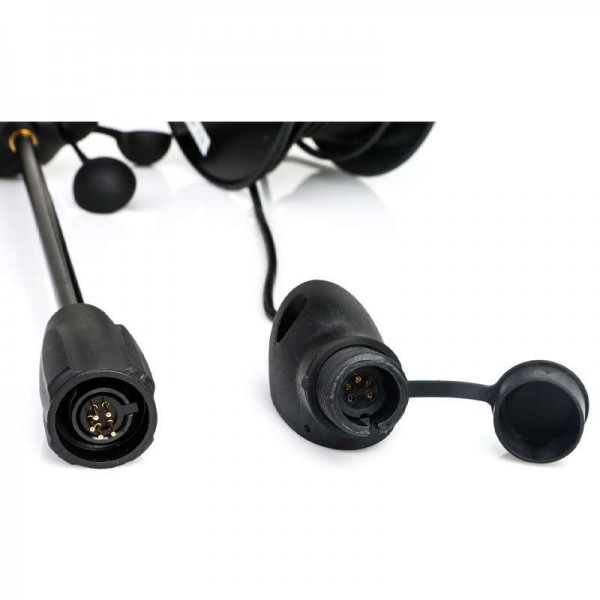
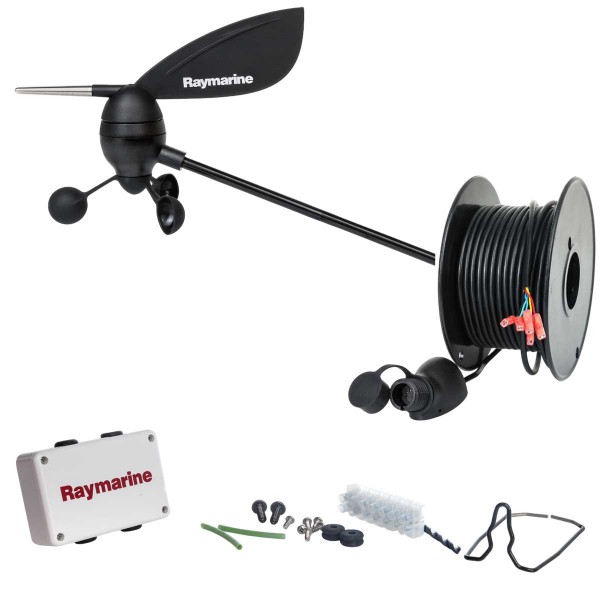
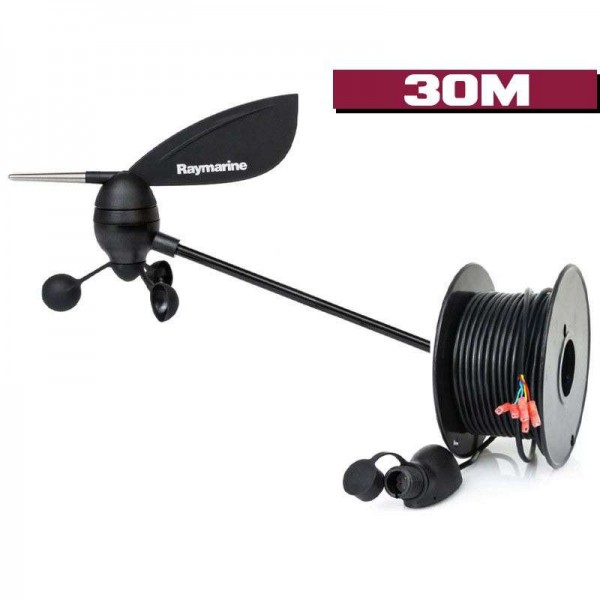
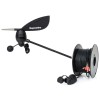
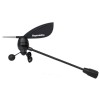
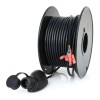
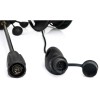
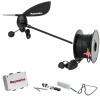
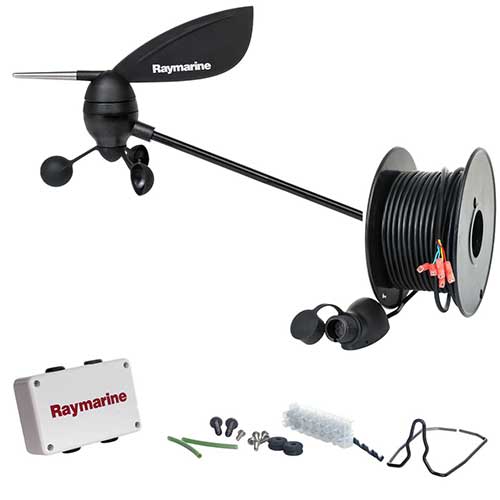
Wind sensor-anemometer with cable
Ref.
E22078
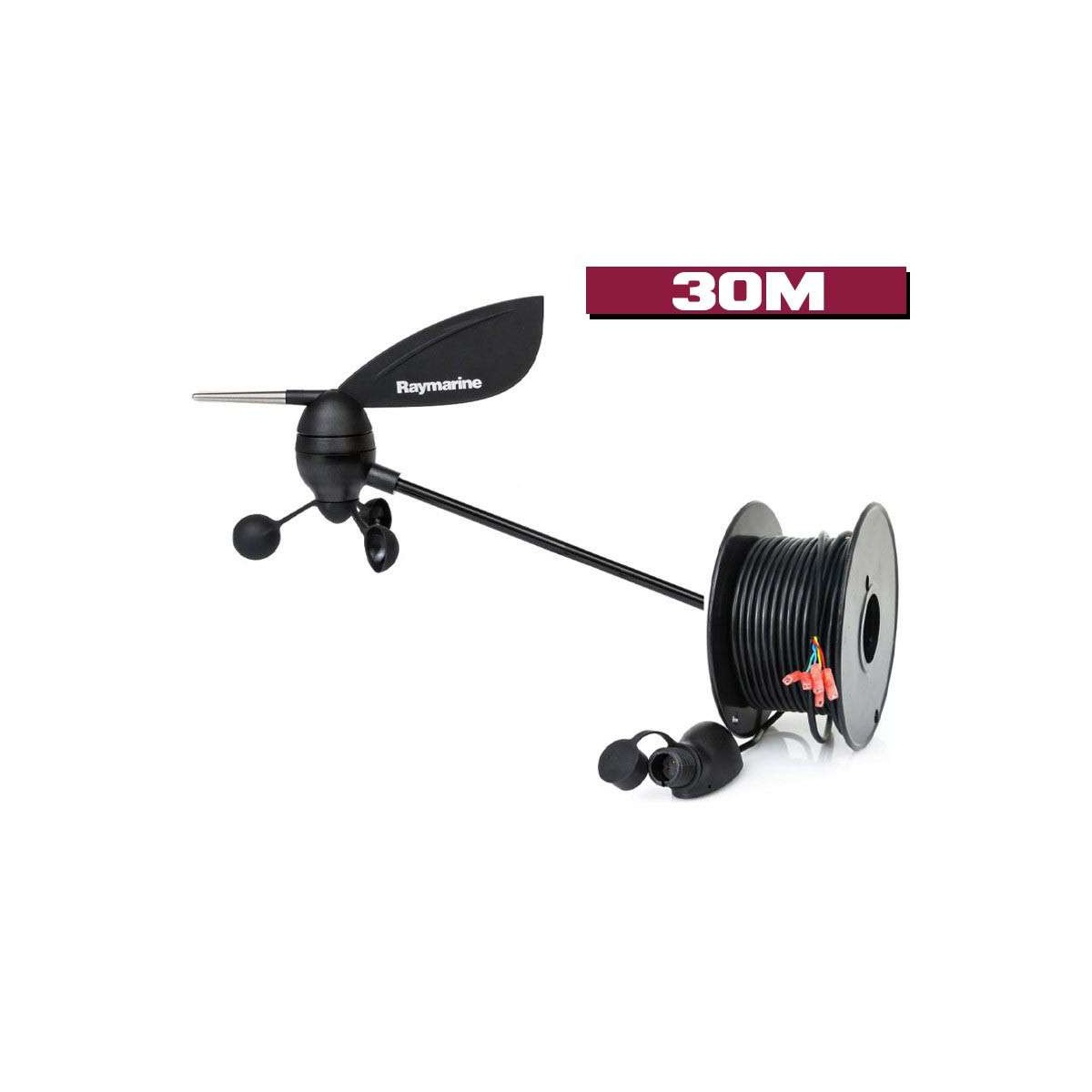
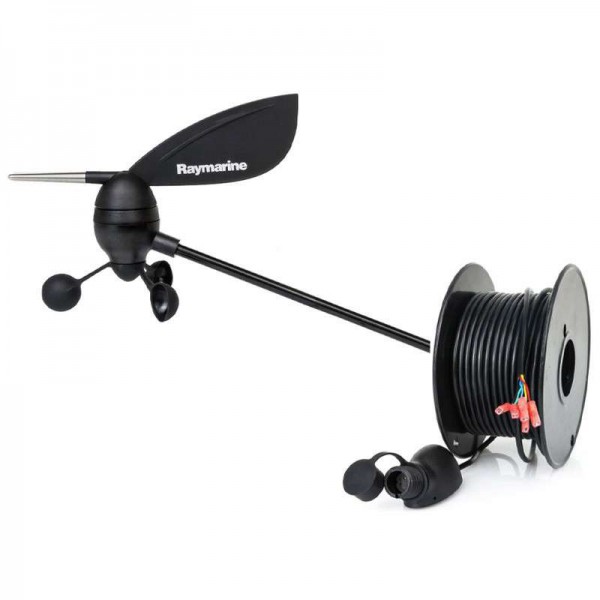
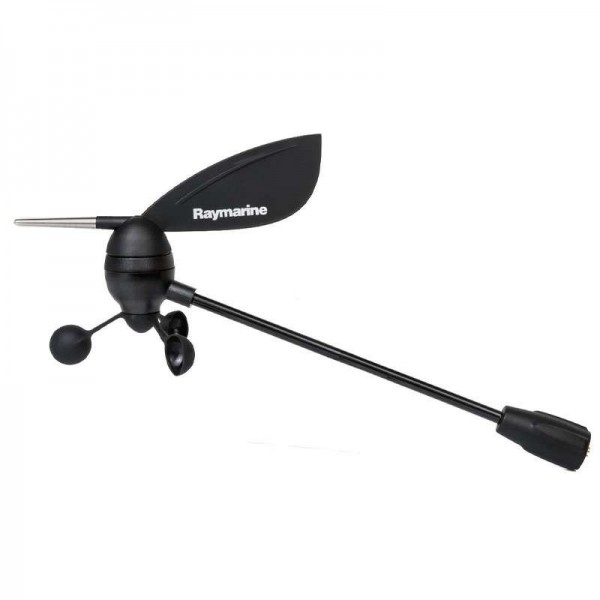
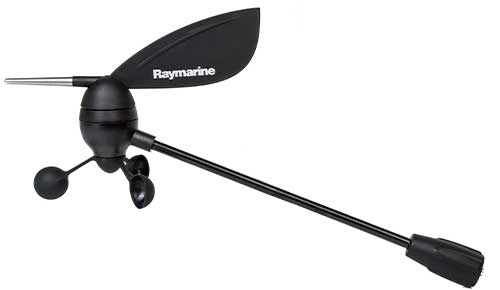
The-anemometer Raymarine wind sensor provides precise, reliable data on wind strength and direction.
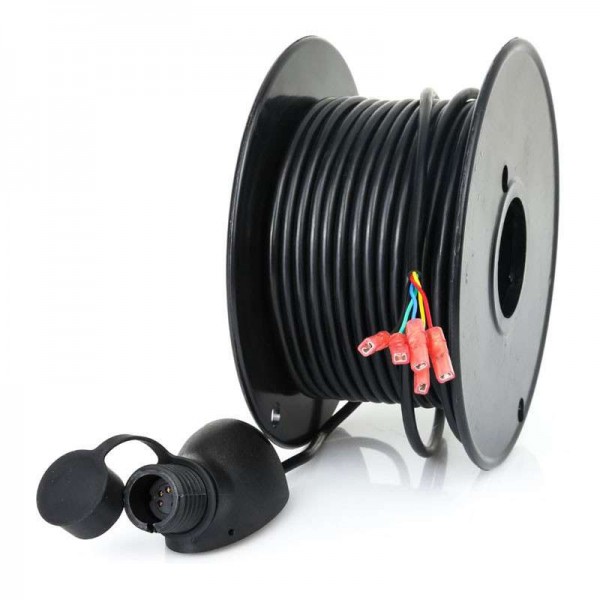
The overhead sensor has a short arm and is supplied with a 30-meter cable.
E22078
RAYMARINE - Wind sensor-anemometer with 30-meter cable
The wired wind sensor for masthead Raymarine is a sensor that collects all wind information and transmits it to the display. This will enable you to know a little more about the weather conditions around you.
It transmits all wind information: apparent wind speed and direction, wind speed (max), wind speed and direction.
The system measures corrected speed (VMG) when it has speed data transmitted by a SeaTalk-compatible loch-speedometer (not supplied).
 |
PRODUCT HIGHLIGHTS
|
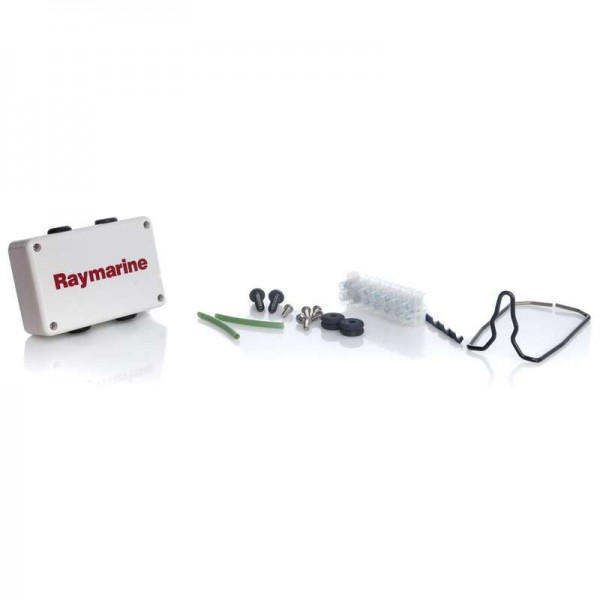
INSTALLATION TIPSPreparing for installation Choose a masthead location, on a horizontal surface, free from obstructions (antennas, navigation lights, etc.) to avoid airflow disturbance. Make sure-that the chosen location allows easy access for installation and maintenance. Sensor mounting Securely fix the sensor to the top of the mast using the mounting block supplied. Make sure the sensor arm is pointing towards the front of the boat for accurate wind direction measurement. Route the 30-meter cable inside the mast if possible, or along the-mast, securing it with suitable cable ties. Avoid tight bends and areas where the cable could be pinched or damaged. Install the junction box in a dry, accessible place inside the boat. Connect the sensor wires to the corresponding terminals on the box, following the color code indicated in the documentation. |
 |
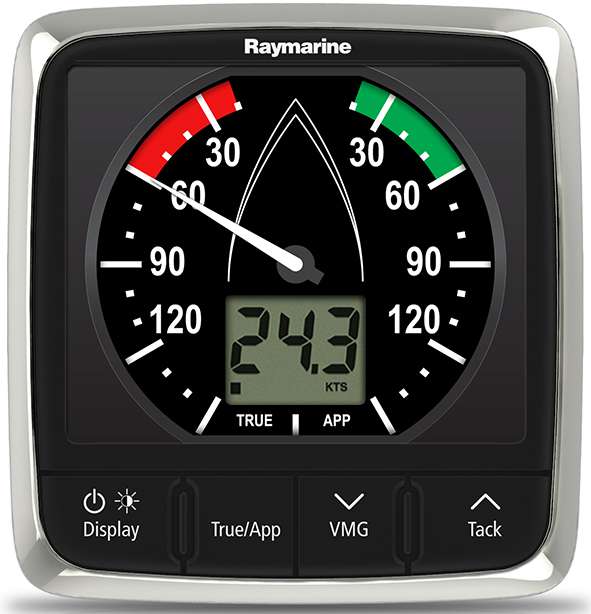 |
COMPATIBILITY AND CONNECTIVITYThe wind sensor is compatible with many Raymarine instruments in the i60 Wind, iTC- 5, ST60+ and ST60 series. |
MAIN FEATURES :
|
BOX CONTENTS :
|
Customer Reviews (0)
No customer reviews for the moment.
Sign in to leave a review
Questions / Answers (2)
Hello, my i60 is displaying incorrect wind data. I'd like to reset my wind vane to see if it works again
John, the 19/05/2025
Hi John, to reset your windvane, here are the steps to follow on your i60.
- Access the user calibration menu: Press the Display and True/App buttons simultaneously for about 2 seconds.
- Navigate to the reset option: Use the Display button to scroll through the options until the display shows Factory Reset.
- Perform the reset: Press the VMG or Tack buttons to select the reset option, then confirm by pressing Display.
- Exit the calibration menu: Hold down the Display and True/App buttons for approx. 2 seconds to return to normal operating mode
Comptoir Nautique Team
How can I see the wind direction with my weathervane?
Lionel, the 19/05/2025
Hello Lionel, to see the wind direction with your wind vane, you need to install-correctly and connect it to a compatible instrument: i60 Wind, ST60/ST60+ or an iTC converter-5.
Comptoir Nautique Team